Using blocks/editors
*The contents on this page may not be up-to-date especially if the version of WordPress has been updated since the last update to this page.
When you are editing a web page, you will need different blocks based on your needs.
If you simply hit return, you get a ‘paragraph’. This is the simplest. But your formatting functionality may be limited. You can always use short codes for inserting more complicated widgets..
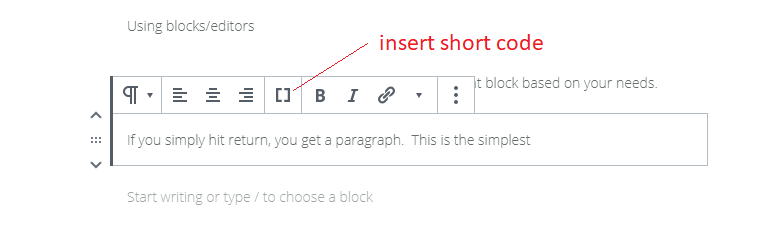
Sometimes you may need other editors. Hover over a paragraph/content and when you see the + sign click on it.
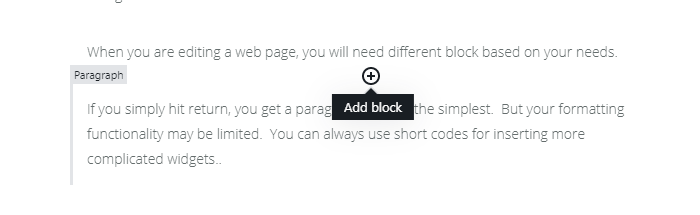
When you click on it, you will see something like the following:
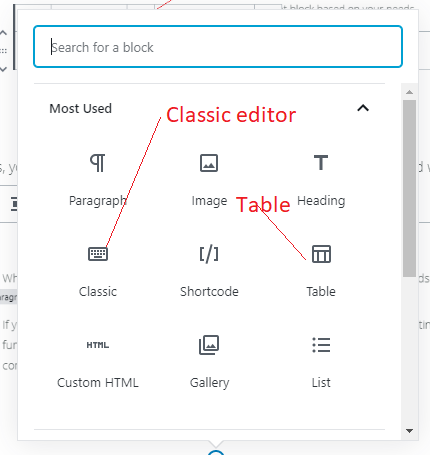
Select the one you will need.
Changing appearance using CSS
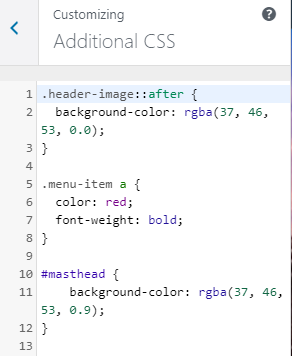
Sometimes you may need to use some CSS to customize the appearance of the site. WordPress provides an override. Find out which class or id that you need to change and then …
Select Appearance > Customize
Go to appearance > Themes
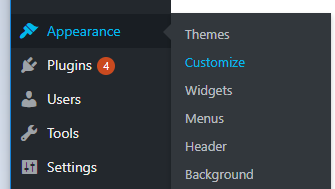
Pick Additional CSS
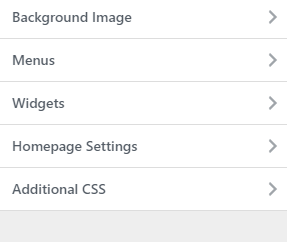
You can put CSS here that would override (?) the default CSS for the themes.
Adding images to text
2 ways.
1 If it a classic editor, copy/paste will not work. You have to do the add the media from the menu
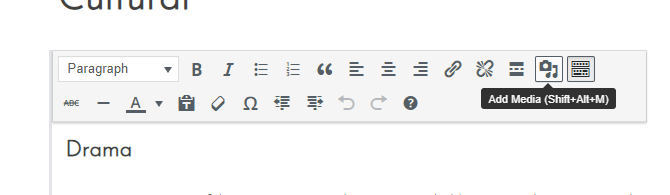
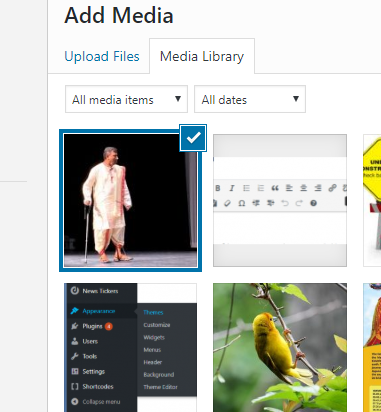
The image needs to be in the media library (on the server). If not you will need to upload it first.
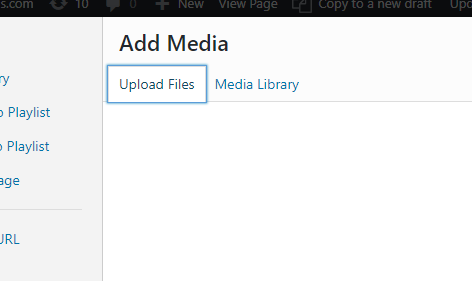
Once uploaded, select the media file to insert it into the contents.
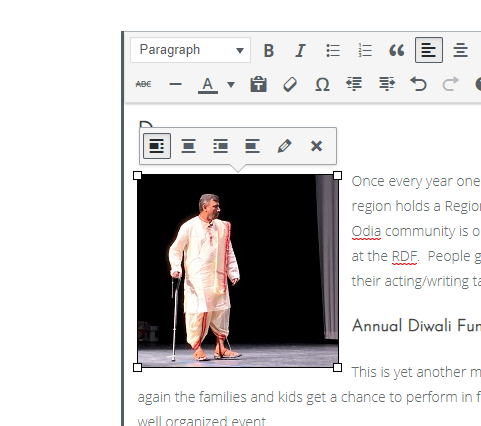
Once inserted you can align the photo by clicking on it and selecting the proper alignment.
2. If it is in a paragraph, simply copy from your local machine (ctrl-c) and paste on to the web page (ctrl-v). The image gets inserted.